ImprovedShipped 28 September 2026
A phone-first home screen
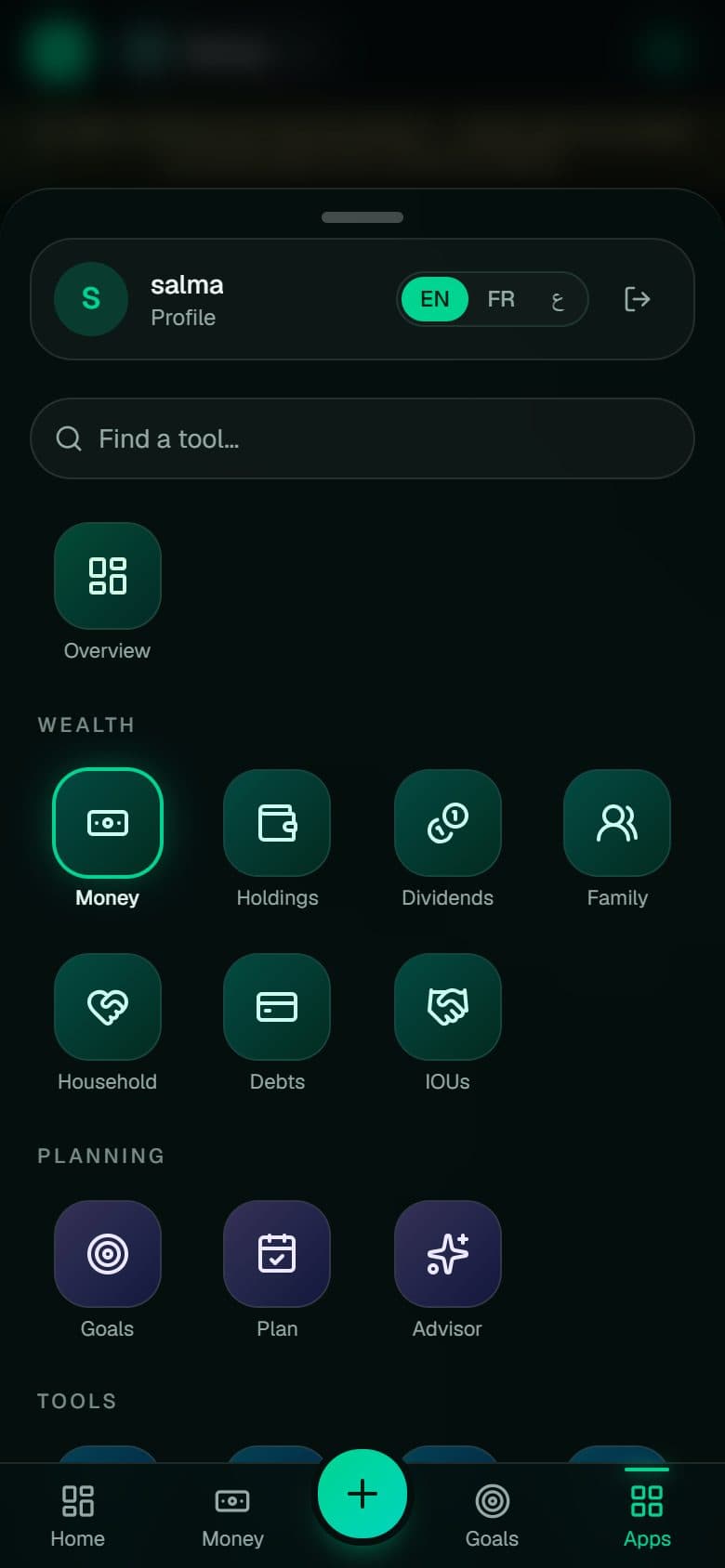
Every tool now lives in an Apps grid, and each section opens its sibling pages as tiles. No more hunting through a long scrolling tab strip.
WealthOS grew to twenty tools. On a phone, a strip of tabs you scroll sideways hides most of them. The new navigation works like your phone: a grid of colour-coded tiles, a search box, and a section switcher in the header.
// What it does
- Apps grid grouped by section, with search
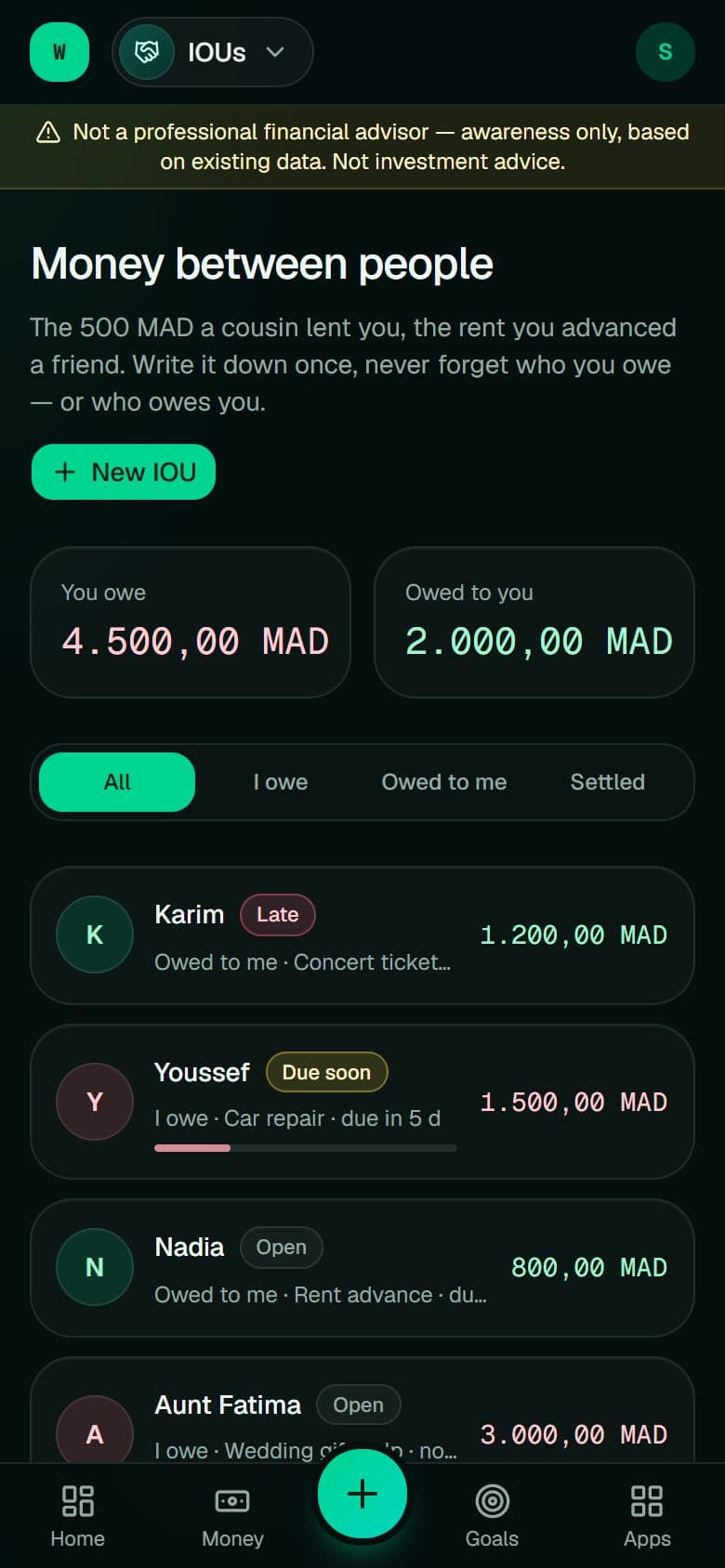
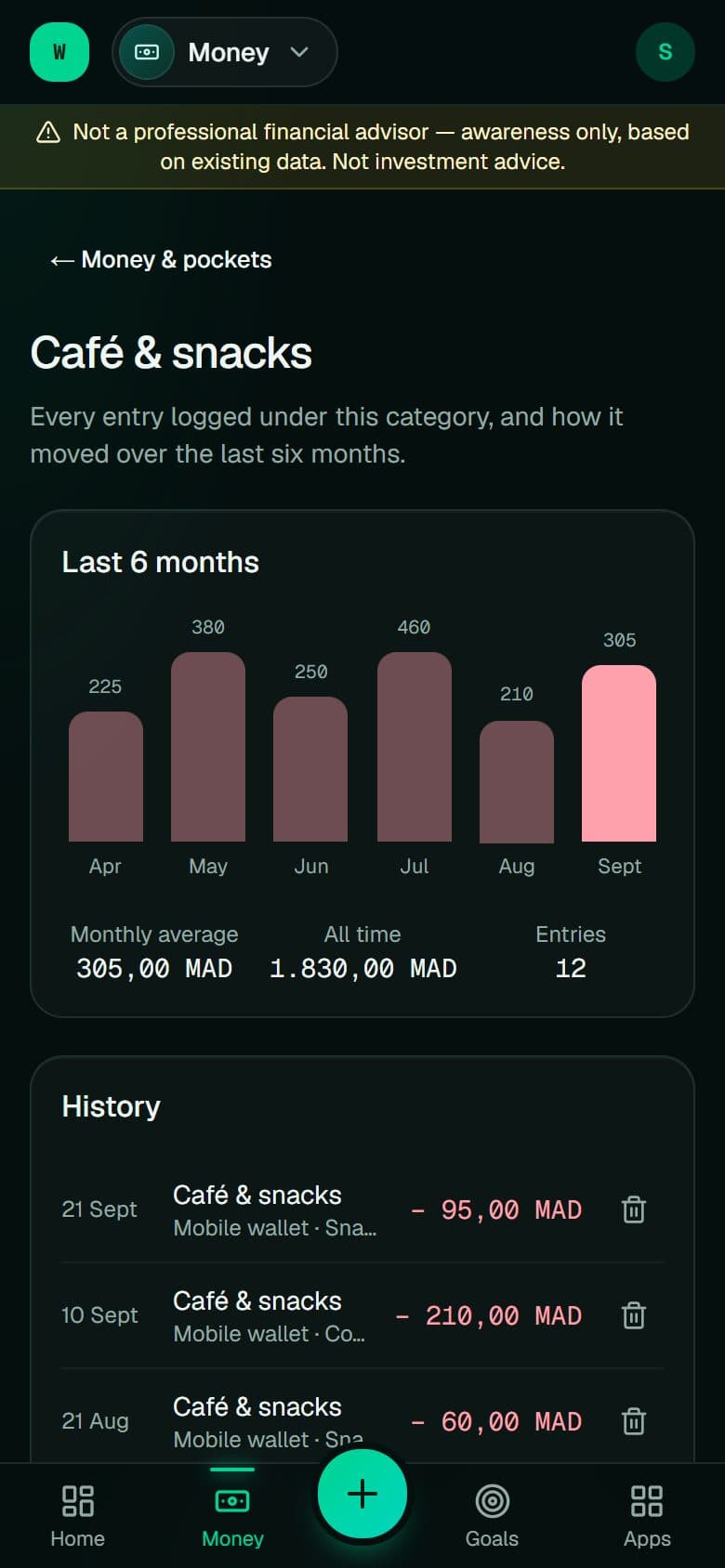
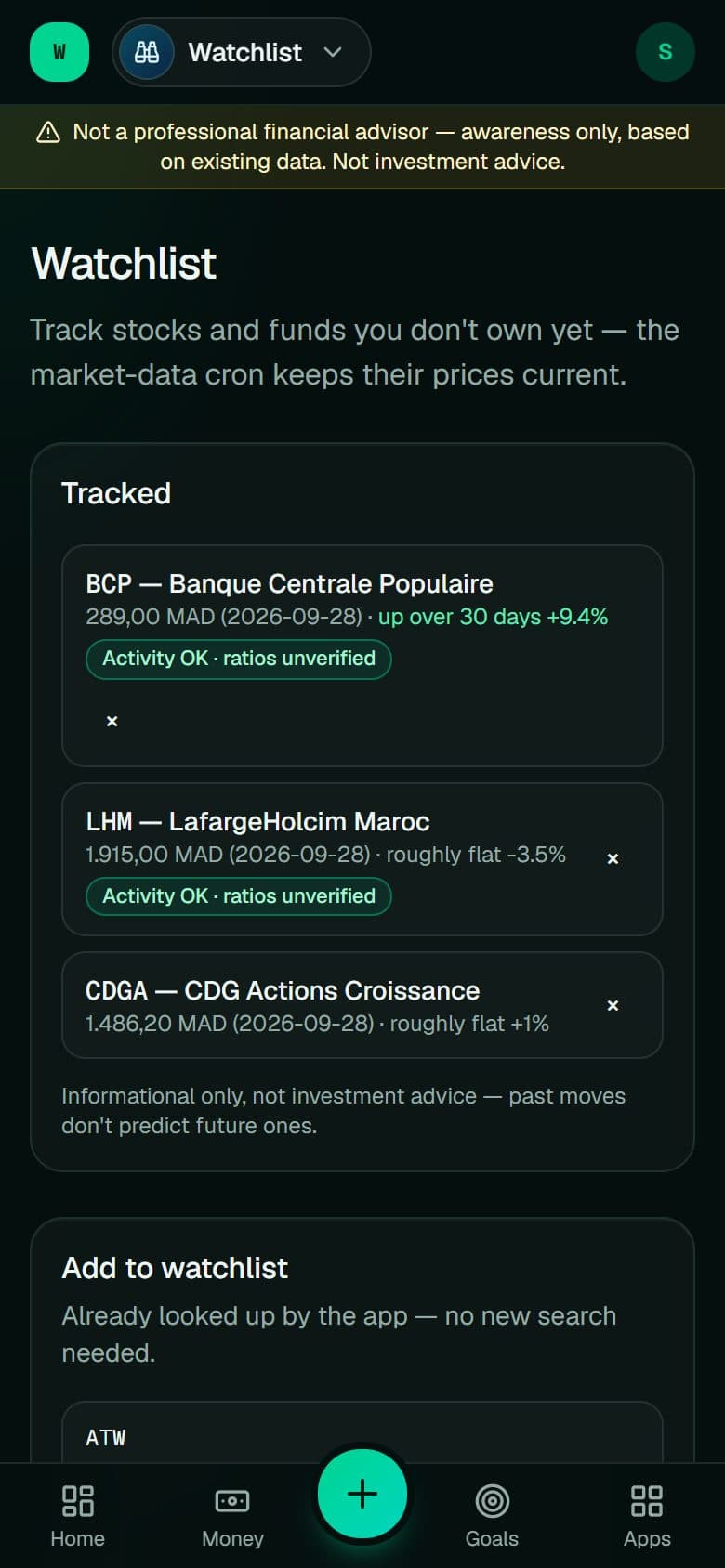
- Header chip switches between sibling pages
- Swipe down to close, thumb-reach tab bar
// How to use it
- 01
Tap Apps in the bottom bar
- 02
Type a few letters or pick a tile
- 03
Tap the page name in the header to jump to a sibling